

Zoom and Most Apps Are No Longer Supported on Portal Devices
If you’ve been using a Facebook Portal device to stay connected with an older family member, there’s something important you need to know: Meta has officially discontinued all Portal devices, and as of 2026, almost every feature that made these devices useful is now gone.
Originally designed as a simple smart screen for video calls, Meta Portal is now little more than a shell of its former self. Zoom, Microsoft Teams, and other third-party apps were removed throughout 2025. Alexa and “Hey Portal” voice controls were shut off in January 2025. The photo frame feature — one of Portal’s last remaining functions — was removed in January 2026. Meta has confirmed that no new features will be released.
What Can Facebook Portal Still Do in 2026?
While the Meta Portal hardware still powers on, its capabilities have been severely restricted:
| Feature | Status as of 2026 |
|---|---|
| Zoom video calls | ❌ Discontinued January 31, 2025 |
| Microsoft Teams, Spotify, Plex, and others | ❌ Removed April 2025 |
| Alexa / “Hey Portal” | ❌ Shut down January 2025 |
| Messenger and WhatsApp calling | ✅ Still supported – mobile app only |
| Photo frame function | ❌ Removed January 2026 |
| New features or updates | ❌ None planned; discontinued product line |
Messenger and WhatsApp calls technically still work, but only if your loved one can navigate the touchscreen, manage contacts, and answer calls manually. For many families supporting elderly relatives or people with cognitive or physical limitations, that’s simply not realistic.
Why Are Families Looking for Facebook Portal Alternatives?
When it launched, Facebook Portal offered something genuinely useful — a way for families to stay connected without asking older relatives to learn complicated technology. But with virtually all of its features now removed, many households are looking for what comes next.
The key concerns are:
- Loss of Zoom and third-party apps
- No voice control for hands-free use
- Messenger and WhatsApp require the user to actively answer calls
- No photo frame functionality
- No long-term product support from Meta
For families looking after elderly or vulnerable relatives, these aren’t just inconveniences — they represent a real communication barrier.
What Should You Look for in a Facebook Portal Alternative?
If you’re searching for a replacement, it’s worth prioritising devices that offer:
- No complexity for the person receiving calls
- Hands-free operation — no buttons, no touchscreen, no apps to navigate
- A familiar screen — ideally the TV they already use every day
- Reliable ongoing support
In short: the best solution removes friction entirely — for you and for your loved one.
A Purpose-Built Alternative to Facebook Portal
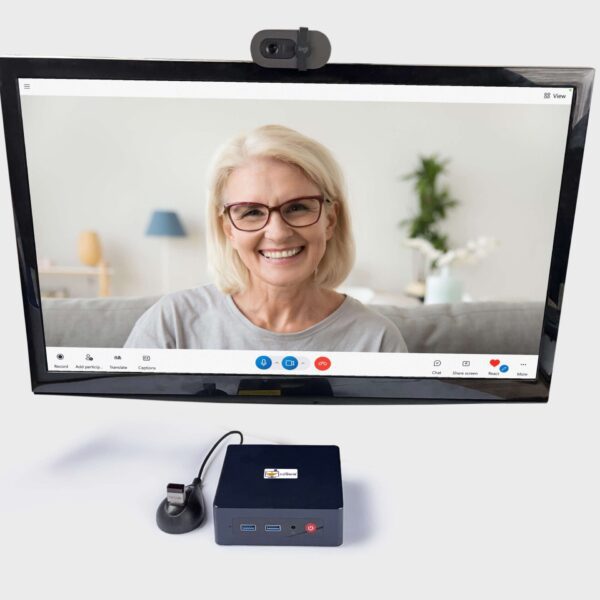
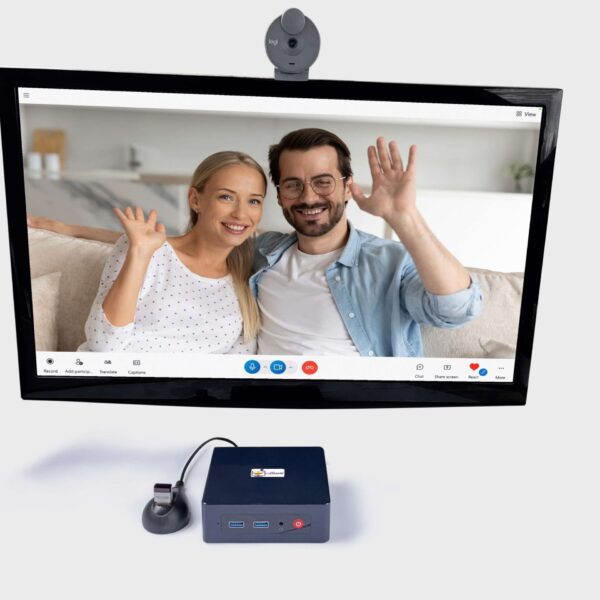
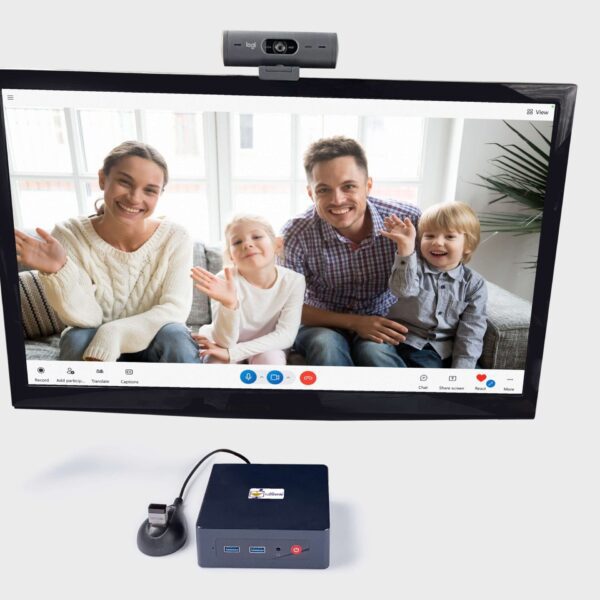
CallGenie connects directly to your loved one’s TV and turns it into a video phone. When you call, the TV wakes up and answers automatically — there’s nothing for your loved one to do.
No buttons. No apps. No touchscreen. No learning curve.
You manage everything from your end — the contacts, the calls, the setup. Your loved one simply sees your face on their TV.
CallGenie is already used in homes and care settings across the UK and Europe, trusted by families who need something that works simply and reliably — whatever the distance.
 Verified
Great device and support – A game changer.
 Verified
 Verified
 Verified
Great product works very well
Verified VerifiedExcellent product and great support
What Happens Next?
The loss of Zoom, Alexa, the photo frame, and now virtually every feature that made Portal useful marks the end of the road for most families who depended on it. Messenger and WhatsApp technically still work, but they ask far more of the user than most elderly relatives can manage.
If you’re looking for a simple, reliable video calling solution that works in 2026 and beyond — one that doesn’t ask your loved one to learn anything new — now is a good time to explore purpose-built alternatives.